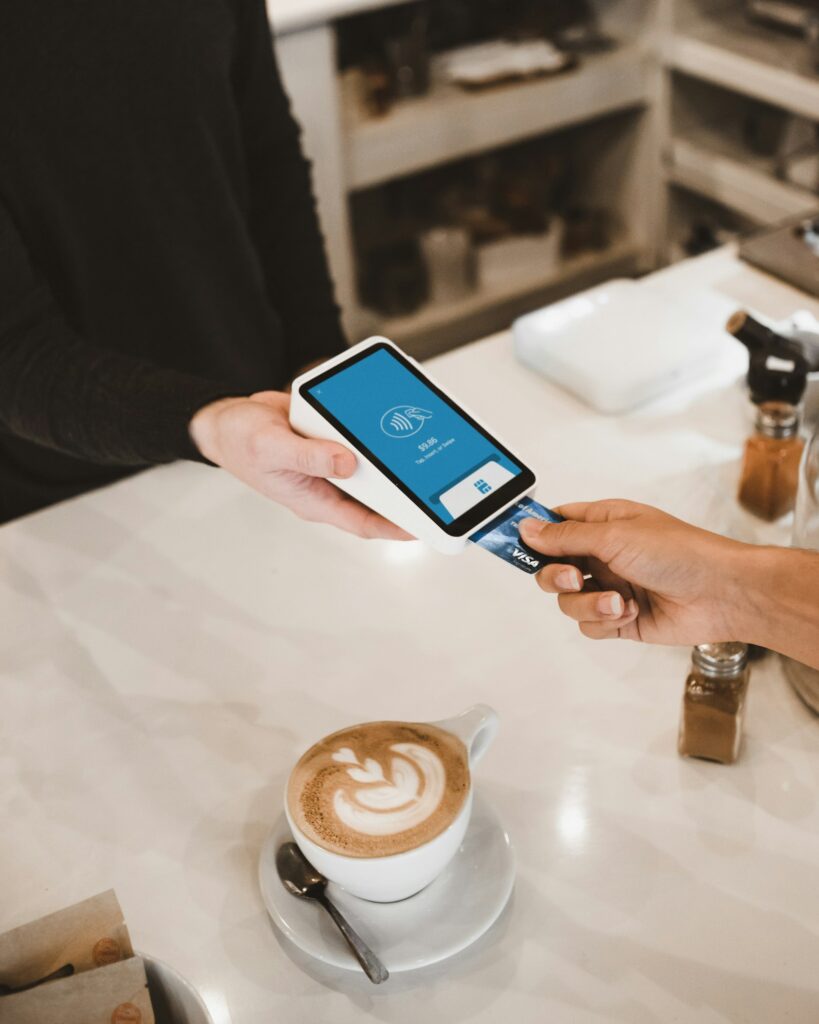
Short answer: Pay in the local currency. When a hotel’s card machine or a booking site offers to charge you in your home currency, it usually uses its own exchange rate with a markup built in. Choose local currency, use a card with no foreign transaction fees, and compare hotel prices in one currency so you’re not fooled by conversions.
You’re checking out. The front desk turns the card machine around and asks, “Would you like to pay in euros or dollars?” It sounds like a kind offer. Dollars! Your money! No math!
It’s usually the more expensive choice. Here’s why, and what to pick instead.
What’s really happening: dynamic currency conversion
That question at the front desk has a name: dynamic currency conversion, or DCC. If you say yes to your home currency, the conversion is done by the hotel’s payment provider, not your bank, at a rate they set. That rate usually includes a markup, and you won’t always see how big it is.
If you choose the local currency, your card network and your bank do the conversion instead, usually at a rate much closer to the real exchange rate.
Our founder, Talia Klein Perez, gets asked “euros or your currency?” on almost every trip. Her answer never changes: local currency, always.
So which should you choose?
- At the hotel: choose the local currency. Every time.
- At an ATM abroad: same thing. Decline the “guaranteed conversion” and let your bank convert.
- In a restaurant or shop: same thing again. If the receipt shows your home currency, ask them to redo it in the local one.
Watch your card’s foreign transaction fee
Choosing local currency is half the job. The other half is your card. Many cards add a foreign transaction fee on every charge in another currency. Some travel cards don’t. Check your card’s terms before your trip, and pack the one without the fee.
Talia’s family travels with a Wise card. The conversion fee is very low, and Wise converts the money into the local currency itself (say, Thai baht) before the payment reaches the hotel’s card machine or the ATM. So the charge arrives already in baht, and there’s nothing left to convert at a bad rate. If you want to try it, here’s Talia’s Wise invite link (it’s a referral link, so we may get a small reward if you sign up). One catch: the Wise card is a debit card, and some car rental desks and hotels insist on a credit card, so bring one of those too.
We cover this in more detail in debit card vs credit card for international travel.
Booking online: which currency will you be charged in?
Online, the currency question hides in the fine print. A booking site can show you prices in dollars while the hotel later charges you in euros at check-out, or charge you right away in a third currency. Before you book, look for:
- “Pay now” vs “pay at the property.” If you pay at the hotel, you’ll be charged in the hotel’s currency, and the final amount depends on the exchange rate that day.
- The currency of the charge. Some sites say it on the payment page. If they don’t, the price you see may only be an estimate.
- Taxes paid at the hotel. Some city or tourist taxes are paid locally, in local currency, on top of what you paid online. See our guide to hidden hotel fees.
Compare hotel prices in one currency
Comparing a price in euros on one site with a price in dollars on another is a recipe for mistakes. Set every site to the same currency before you compare.
In the Hotel Ninja popup, you choose your currency in the settings (or leave it on Auto). The popup then shows what the same room costs on Booking.com, Expedia, Hotels.com, Agoda and other supported sites, with taxes and fees included, in one currency. It’s free and works in Chrome on your computer.
Quick checklist
- At the hotel, the ATM or the shop: choose local currency.
- Pack a card with no foreign transaction fees.
- Online: check whether you pay now or at the hotel, and in which currency.
- Compare prices across sites in one currency.
- Keep your receipts, and check your statement after the trip.
For more ways to keep money in your pocket, see our hotel booking hacks.
Frequently asked questions
Should I pay in local currency or my home currency at a hotel?
Local currency, in almost every case. Paying in your home currency usually means the hotel’s payment provider converts the amount with a markup. Your bank’s conversion is usually better.
What is dynamic currency conversion?
It’s when a merchant, hotel or ATM abroad offers to charge you in your home currency instead of the local one. The convenience usually comes with a less favorable exchange rate.
Is it better to pay for a hotel in advance or at the hotel?
It depends on the rate and the conditions. Paying at the hotel often means more flexibility, but the final amount moves with the exchange rate. Paying in advance locks in the amount, so check the currency of the charge and the cancellation terms.
Do booking sites charge foreign transaction fees?
The booking site usually doesn’t, but your card might if the charge is processed in a foreign currency or by a company abroad. Check your card’s terms.